Solution
Microsoft Teams
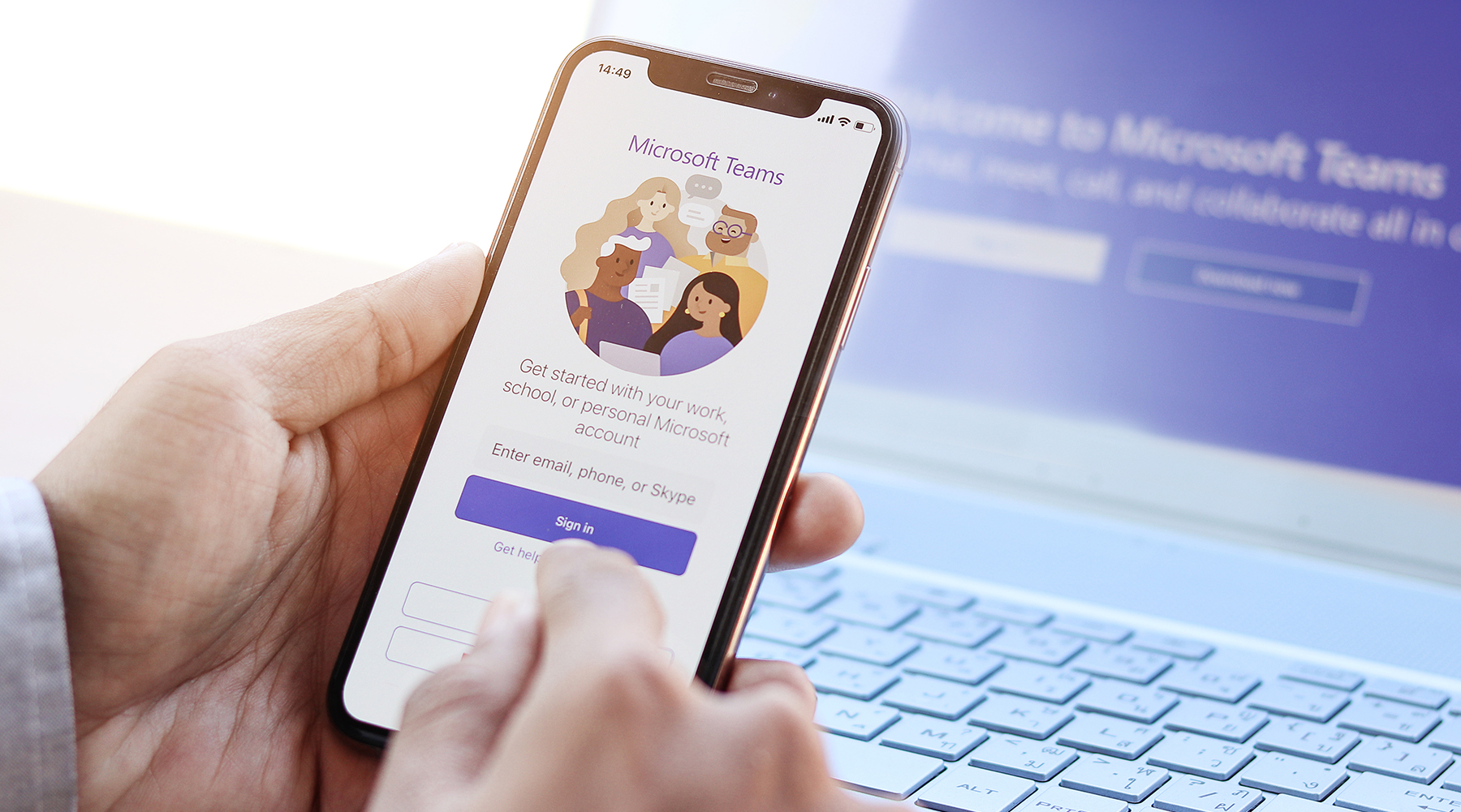
Make and receive internal and external calls right inside Microsoft Teams. Phone, video and chat in one place, on your laptop, tablet, mobile or desk phone, with Australian-based support from AFT.

Voice
Turn Microsoft Teams into your business phone system.
Phone, video & chat
Calls, meetings and messaging together in the app your team already uses.
Keep your numbers
Port your existing landline numbers, or add 13, 1300 and 1800 numbers.
Full call handling
Call forwarding, auto attendant (IVR), hunt groups and voicemail included.
Work anywhere
Take your business number with you on any device, in the office or at home.
Phone, video and chat, all in one place
Microsoft Teams is already where your team chats, meets and shares files. AFT connects it to the phone network, so Teams becomes your business phone system too — no separate desk phone system to run.
Make or receive internal and external calls from any landline or mobile number, straight from the Teams app on your computer, tablet or mobile.
More freedom with Teams
Normal call handling features like call forwarding, interactive voice response (IVR) and voicemail are all included. You can also add new 13, 1300 or 1800 numbers when you connect to the Microsoft platform.
Staff can work from the office, home or on the road and still answer calls on the business number, with every call, chat and meeting in one place.
Good to know
Each user needs a Microsoft 365 licence that includes Teams Phone. We'll check your licences and tell you what's needed before you switch.
Prefer a handset on the desk? We can supply Teams-certified desk phones and headsets. If you have your own IT team, we'll give them a simple setup guide — or our technicians can set everything up for you.

How it works
Licence check
We confirm each user has a Microsoft 365 licence with Teams Phone.
Numbers & setup
We port your numbers and connect your Teams tenant to our voice network.
Call flows
We set up auto attendants, hunt groups and voicemail to suit your business.
Local support
Australian-based support for calls, numbers and Teams setup.
Ideal for
- Businesses already using Microsoft 365
- Hybrid and remote teams
- Multi-site businesses wanting one phone system
- Businesses replacing an old on-site phone system
Frequently asked questions
Do I need a special Microsoft licence?
Yes. Each user needs a Microsoft 365 licence that includes Teams Phone. We can check your current licences for you.
Can I keep my existing numbers?
Yes. We port your existing numbers into Teams, and can add 13, 1300 or 1800 numbers.
Can I still use a desk phone?
Yes. Teams-certified desk phones and headsets work alongside the Teams app on computers and mobiles.
Can my IT team set it up?
Yes. We provide a setup guide for in-house IT, or our technicians can do it all for you.



Works well with
Microsoft Teams calling works best on reliable business internet. Add 1300 and 1800 inbound numbers, link staff on the road with business mobile plans, or compare it with a hosted PBX. See all Voice & Phone Systems.
Our Partners